JavaScript
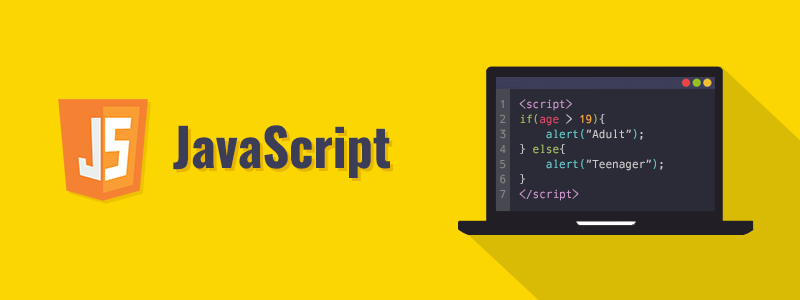
**JavaScript ** (JS) is a lightweight, interpreted, or just-in-time compiled programming language with first-class functions. While it is most well-known as the scripting language for Web pages, many non-browser environments also use it, such as Node.js, Apache CouchDB and Adobe Acrobat.
Do not confuse JavaScript with the Java programming language. Both “Java” and “JavaScript” are trademarks or registered trademarks of Oracle in the U.S. and other countries. However, the two programming languages have very different syntax, semantic, and use
- Input Output in plain JavaScript
we are going to see how to get input from the user and combine that with the other two, to create a simple page that can great you.
For More Details and Example Please Click
- JavaScript Variables
JavaScript variables are containers for storing data values.
Before 2015, using the var keyword was the only way to declare a JavaScript variable.
The 2015 version of JavaScript (ES6) allows the use of the const keyword to define a variable that cannot be reassigned, and the let keyword to define a variable with restricted scope.
Because it is a little complicated to describe the difference between these keywords, and because they are not supported in older browsers, the first part of this tutorial will most often use var.
** JavaScript Identifiers**
All JavaScript variables must be identified with unique names.
These unique names are called identifiers.
Identifiers can be short names (like x and y) or more descriptive names (age, sum, totalVolume).
The general rules for constructing names for variables (unique identifiers) are:
Names can contain letters, digits, underscores, and dollar signs. Names must begin with a letter Names can also begin with $ and _ (but we will not use it in this tutorial) Names are case sensitive (y and Y are different variables) Reserved words (like JavaScript keywords) cannot be used as names
For More Details and Example Please Click
JavaScript Data Types
- undefined
- Boolean
- Number
- String ..etc.