Forms and JS Events
Forms
- Whenever you want to collect information from visitors you will need a form, which lives inside a
<form> element.
- Information from a form is sent in name/value pairs.
- Each form control is given a name, and the text the user types in or the values of the options they select are sent to the server.
- HTML5 introduces new form elements which make it easier for visitors to fill in forms.
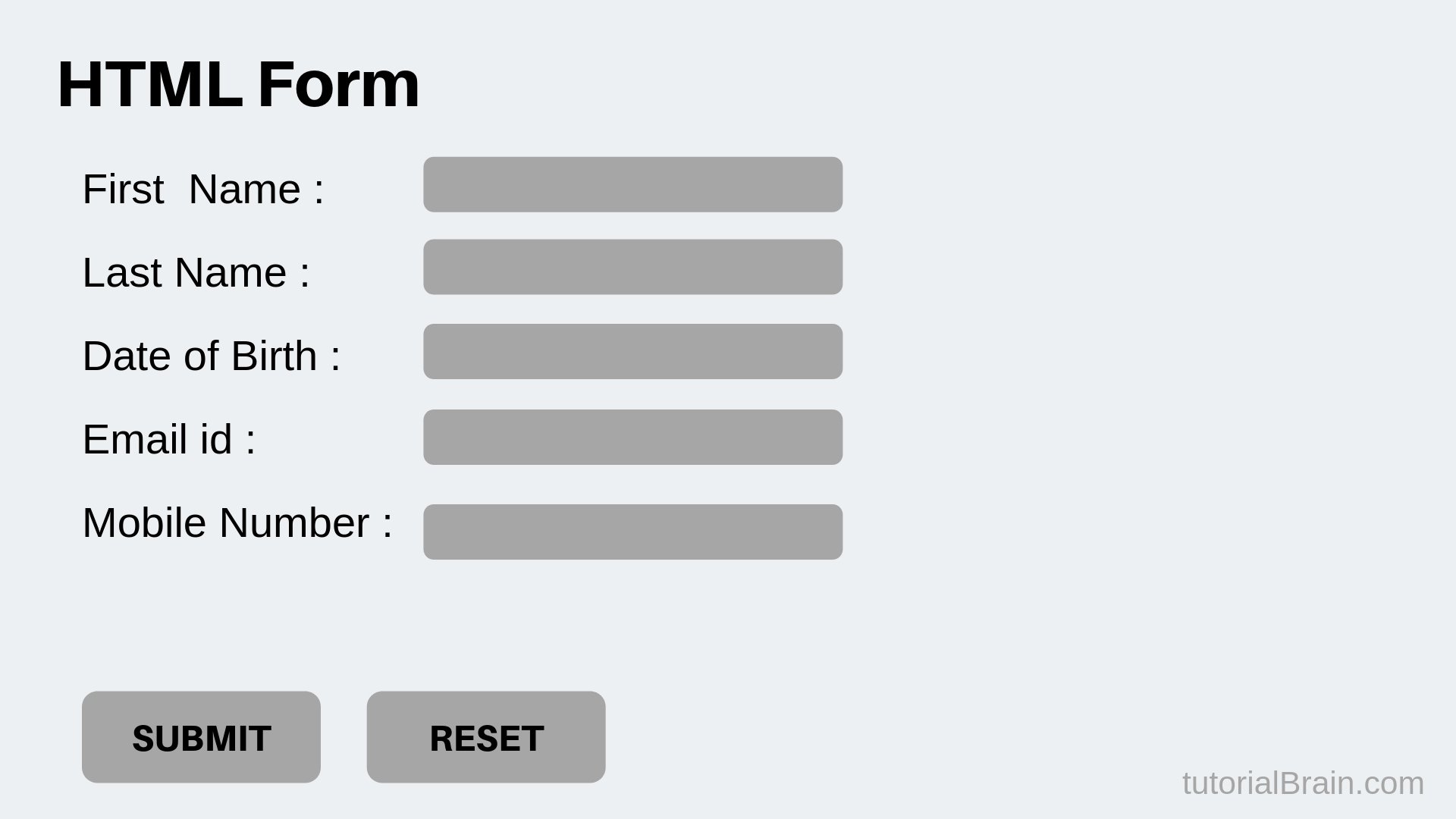
** An HTML form is used to collect user input. The user input is most often sent to a server for processing.**
The HTML <form> element
-
The HTML <form> element is used to create an HTML form for user input:
-
The <form> element is a container for different types of input elements, such as: text fields, checkboxes, radio buttons, submit buttons, etc.
-
The HTML <form> element is used to create an HTML form for user input:
-
The <form> element is a container for different types of input elements, such as: text fields, checkboxes, radio buttons, submit buttons, etc.
The Element
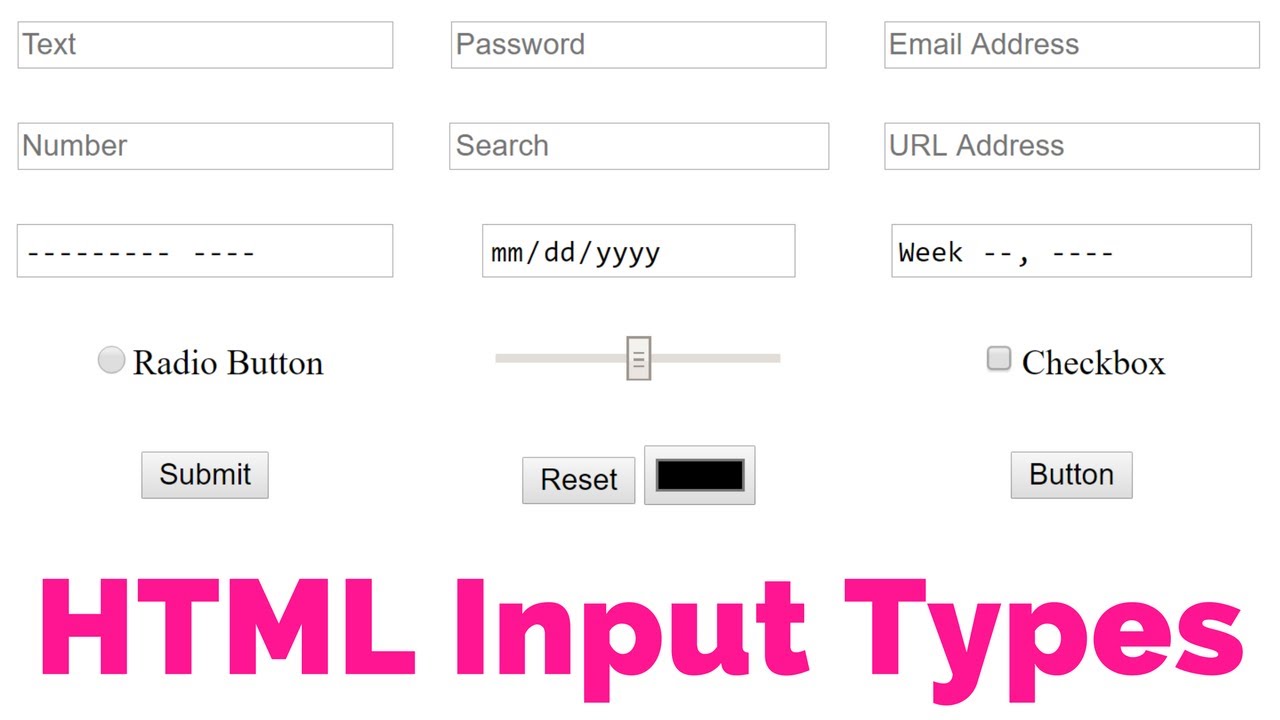
The HTML element is the most used form element.
An element can be displayed in many ways, depending on the type attribute.
- Displays a single-line text input field
- Displays a radio button (for selecting one of many choices)
- Displays a checkbox (for selecting zero or more of many choices)
- Displays a submit button (for submitting the form)
- Displays a clickable button
Text Fields
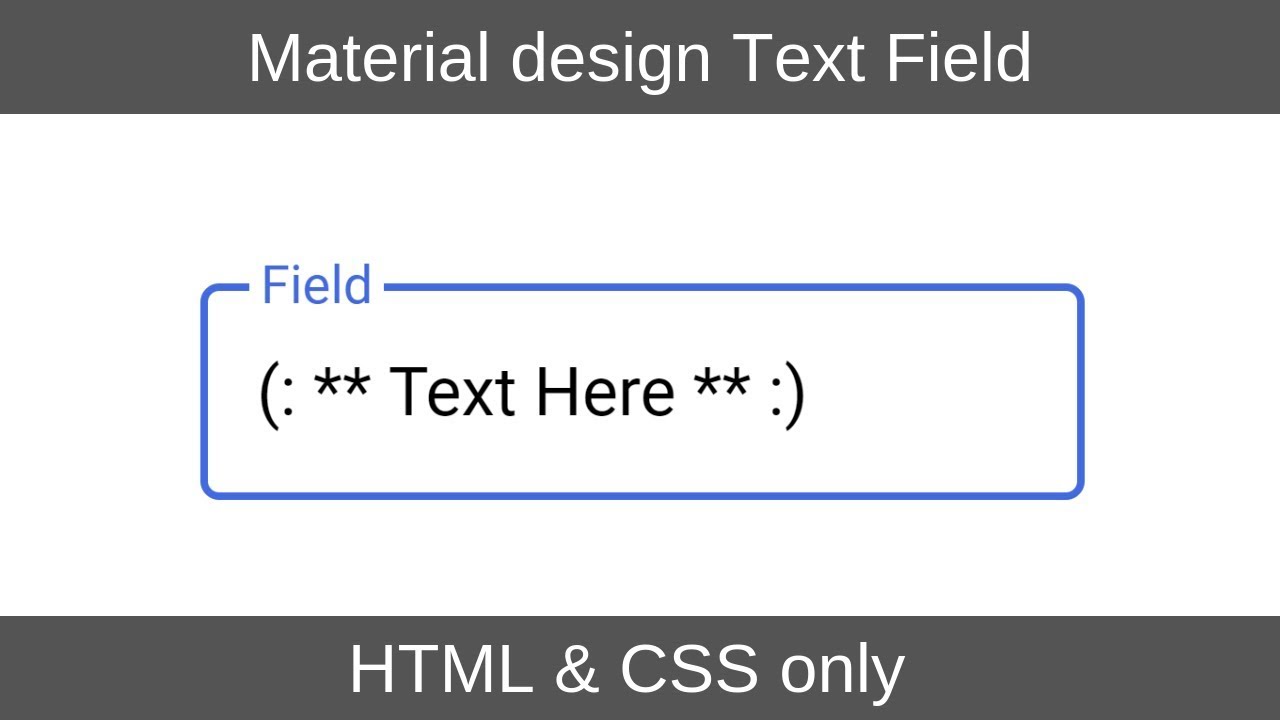
- The defines a single-line input field for text input.
The
-
The **
-
The **
-
The **
-
The for attribute of the **
Lists, Tables and Forms
- In addition to the CSS properties covered in other chapters which work with the contents of all elements, there are several others that are specifically used to control the appearance of lists, tables, and forms.
- List markers can be given different appearances using the list-style-type and list-style image properties.
- Table cells can have different borders and spacing in different browsers, but there are properties you can use to control them and make them more consistent.
- Forms are easier to use if the form controls are vertically aligned using CSS.
- Forms benefit from styles that make them feel more interactive. ——————————————-
Events javascript
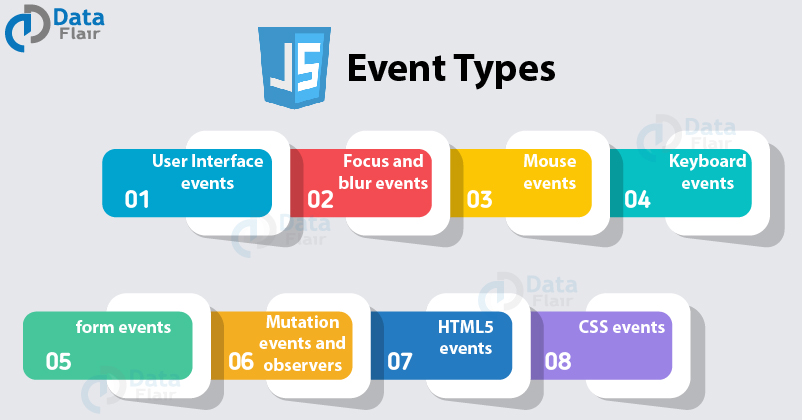
HTML events are “things” that happen to HTML elements.
When JavaScript is used in HTML pages, JavaScript can “react” on these events.
Often, when events happen, you may want to do something.
JavaScript lets you execute code when events are detected.
HTML allows event handler attributes, with JavaScript code, to be added to HTML elements.
Common HTML Events
- onchange An HTML element has been changed
- onclick The user clicks an HTML element
- onmouseover The user moves the mouse over an HTML element
- onmouseout The user moves the mouse away from an HTML element
- onkeydown The user pushes a keyboard key
- onload The browser has finished loading the page
What can JavaScript Do?
-
Event handlers can be used to handle and verify user input, user actions, and browser actions:
- Things that should be done every time a page loads
- Things that should be done when the page is closed
- Action that should be performed when a user clicks a button
- Content that should be verified when a user inputs data And more …
-
Many different methods can be used to let JavaScript work with events:
- HTML event attributes can execute JavaScript code directly
- HTML event attributes can call JavaScript functions
- You can assign your own event handler functions to HTML elements
- You can prevent events from being sent or being handled And more …