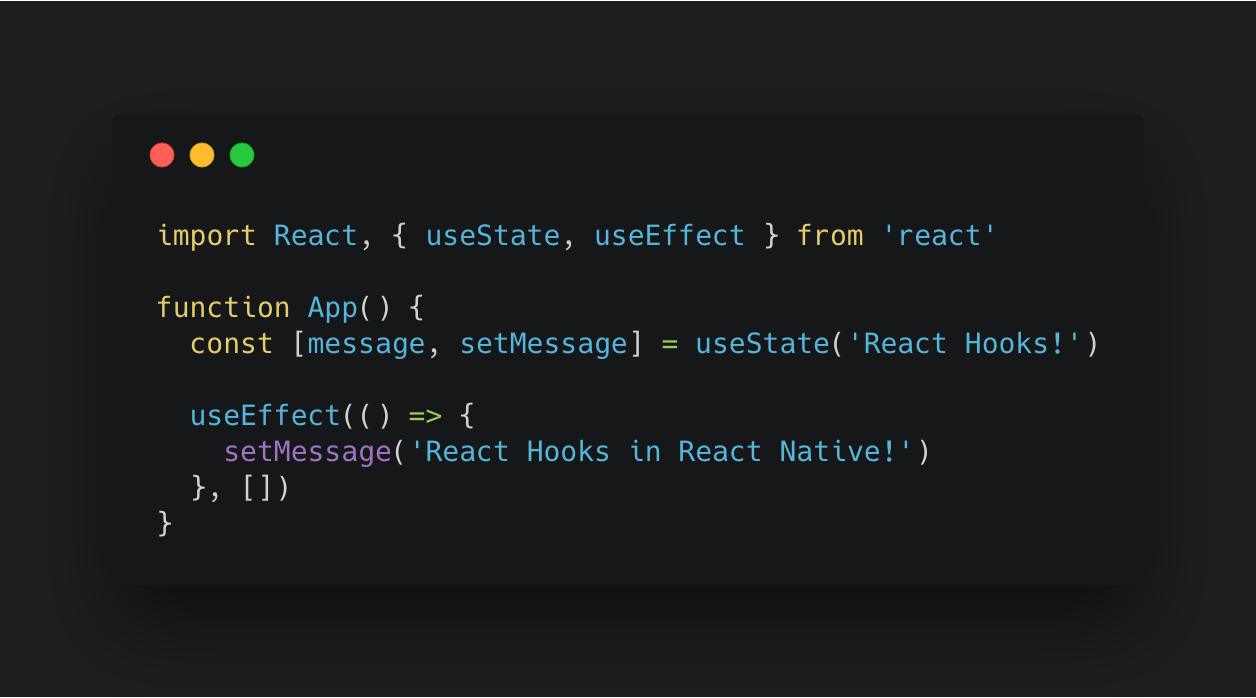
useState() Hook
Hook
1. How does React differ from vanilla JS/HTML/CSS?
React is a Javascript library used for building user interfaces. … This breaking down of the UI is what gives React an edge over Vanilla JS. In Vanilla JS , the code becomes very difficult to maintain if the application is large because in such cases the UI needs to be updated regularly.
2. What is the primary difference between a function component and a class component?
A functional component is just a plain JavaScript function that accepts props as an argument and returns a React element.
A class component requires you to extend from React. Component and create a render function which returns a React element. There is no render method used in functional components
Term Definition
Functional Components
A functional component is just a plain JavaScript function that accepts props as an argument and returns a React element.
Children / Child Components
Children allow you to pass components as data to other components, just like any other prop you use. The special thing about children is that React provides support through its ReactElement API and JSX. XML children translate perfectly to React children!
Preview
Which 3 things had you heard about previously and now have better clarity on?
- JSX
- React
- rendering Which 3 things are you hoping to learn more about in the upcoming lecture/demo?
- rendering
- React
- Dynamo/Mongo What are you most excited about trying to implement or see how it works?
sass
-
What is a Hook?
A Hook is a special function that lets you “hook into” React features. For example, useState is a Hook that lets you add React state to function components. We’ll learn other Hooks later.
-
When would I use a Hook?
If you write a function component and realize you need to add some state to it, previously you had to convert it to a class. Now you can use a Hook inside the existing function component. We’re going to do that right now!
- Hooks are backwards-compatible. This page provides an overview of Hooks for experienced React users. This is a fast-paced overview.
Rules of Hooks ?
- Only call Hooks at the top level. Don’t call Hooks inside loops, conditions, or nested functions.
- Only call Hooks from React function components. Don’t call Hooks from regular JavaScript functions. (There is just one other valid place to call Hooks — your own custom Hooks. We’ll learn about them in a moment.)
Why Hooks?
We know that components and top-down data flow help us organize a large UI into small, independent, reusable pieces. However, we often can’t break complex components down any further because the logic is stateful and can’t be extracted to a function or another component. Sometimes that’s what people mean when they say React doesn’t let them “separate concerns.” These cases are very common and include animations, form handling, connecting to external data sources, and many other things we want to do from our components. When we try to solve these use cases with components alone, we usually end up with: Huge components that are hard to refactor and test. Duplicated logic between different components and lifecycle methods. Complex patterns like render props and higher-order components.
Basic Hooks
- useState
- useEffect
- useContext